Inside the Galaxy S26 Ultra’s Privacy Display: The science and the settingsWe break down everything you need to know about Samsung's new Privacy Display and how to use it on the Galaxy S26 Ultra.
Inside the Galaxy S26 Ultra’s Privacy Display: The science and the settings
TL;DR
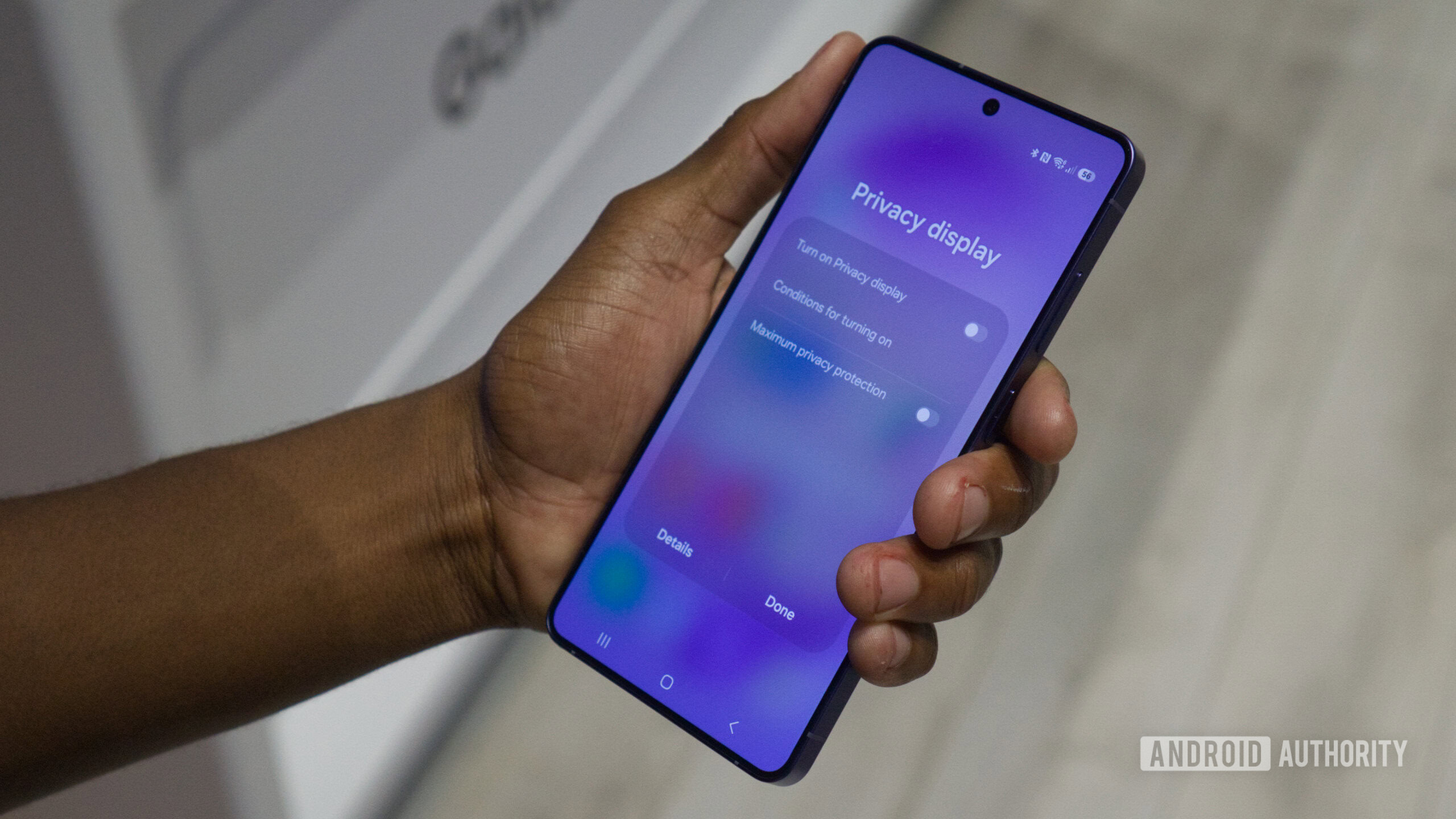
- The Galaxy S26 Ultra introduces Privacy Display, a hardware-level feature that physically limits viewing angles instead of relying on screen protectors.
- The tech works by controlling how different pixels emit light, keeping the screen clear head-on while making it unreadable from the sides.
- Privacy Display can be toggled in Quick Settings, customized by app or scenario, and is currently exclusive to the Galaxy S26 Ultra.
Screen privacy on smartphones has always been more of an illusion than a reality. Maybe it’s your partner sneaking a glance, or a stranger on a subway just close enough to see what you’re up to; unless you have one of those dark and grainy privacy screen protectors on, your phone’s display will always have an uninvited audience. Samsung is changing that for good with the Galaxy S26 Ultra’s new Privacy Display — tech that doesn’t rely on screen protectors, but rather hardware-level display tweaks that limit viewing angles.
What is Privacy Display, and how is it different from anything we’ve seen before?


Comments
Post a Comment